
All the possibilities. One workspace.
From admin and email to installing software and controlling an entire Android phone: you choose the outcome. Your Hand works on its own computer and with the devices you connect.
Example of features working together: you say one request to fetch the September invoice from a supplier portal and prepare an email to the accountant. Smart Discovery picks Gmail and the browser. In the browser your Hand fetches the invoice after you sign in briefly. The email with the invoice attached then waits for your approval.


Everything you need to get work done.
The underlying idea stays the same: your Hand has a private workspace and uses only the apps, files and permissions you give it.
Today Works in Hands now
Voice
Call your Hand and handle email, meeting notes and reports while you are on the way. Anything that needs your approval, it brings to you first. So your work does not follow you home.
Explore Voice → When there's no integrationBrowser
Say what you want to get done online. Your Hand opens the site, searches, clicks and fills in while you watch. Even where no connection exists, and when seeing, clicking or reading is hard.
Explore Browser → On every task, built in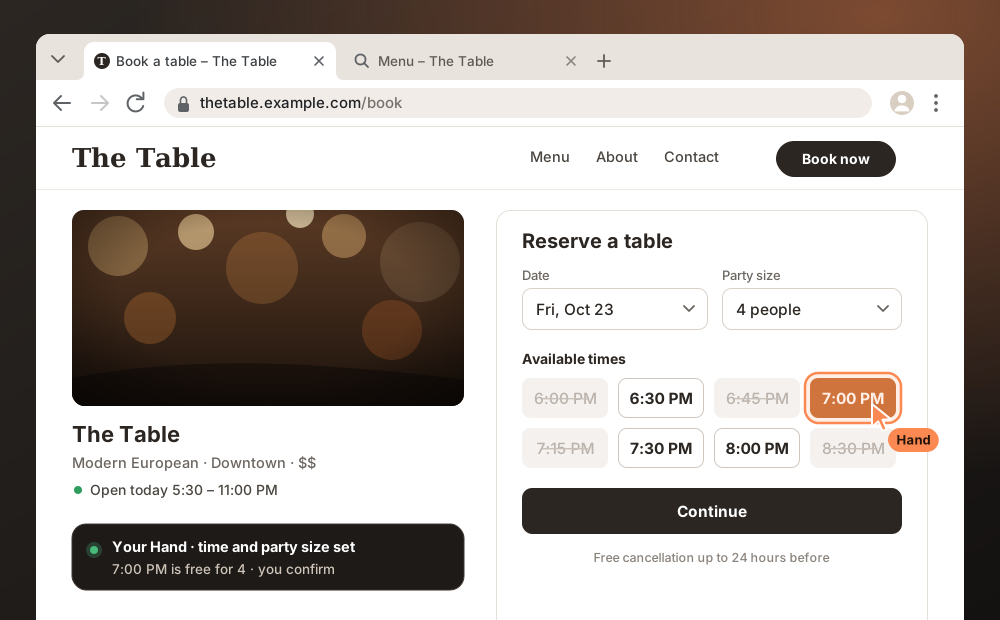
Smart Discovery
Tell your Hand the result you want. Hands helps your AI find exactly the capabilities it needs across your connected apps and skills.
Explore Smart Discovery → Your entire Android phone, including app testing


Mobile
With Hands Mobile, your Hand controls your entire Android phone: the screen, settings and apps. That also means it can test your app on a real device by navigating through it like a user.
Explore Mobile → Run software without setting up your own laptopHands Computer
Your Hand has its own computer where you can have it install software and tools. Open the desktop in your browser and work together in the same files.
Explore Hands Computer → Build, run and investigate togetherEnvironments
Have your Hand work on code, start tools or investigate an error. Open the same project files in the terminal or code editor, even from your phone.
Explore Environments → Available now So you don't have to repeat yourselfMemory
Your Hand keeps agreements, project decisions and working methods as connected knowledge you can revisit and build on.
Explore Memory →Coming soon What we're building now
Your Hand does the work. You stay in charge.
- A workspace of its own
Your Hand works in its own isolated workspace. Hands Laptop will offer an optional connection to your computer.
- Only what you give it
It uses only the apps, files and permissions you connect, and cannot grant itself extra permissions.
- Your approval first
Actions that need your approval, such as sending an email, are brought to you first.
- Watch and take over
In the browser you watch live and take control whenever you want.
Start with what Hands can do today.
Create your Hand, connect it to the AI you already use and choose the apps and permissions that fit your work.