
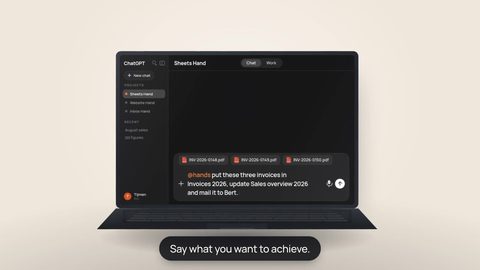
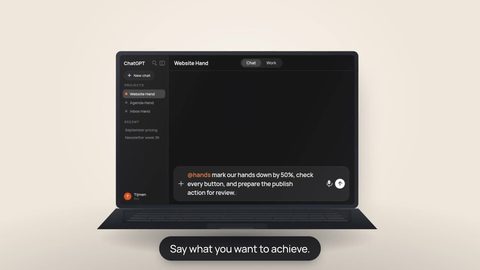
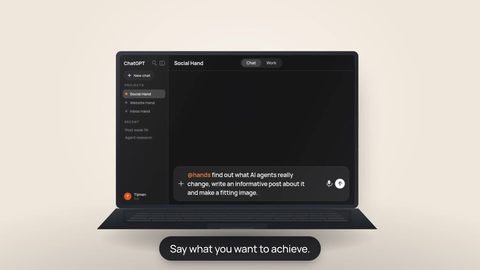



Connect your Hand to the apps you already use.
Plugins are connections managed by Hands. Choose an available Plugin and Hands guides you through connecting it. Unlike Connectors, you do not need to enter an MCP server URL or custom MCP headers yourself.
Loading plug-ins…
No Plugins available yet.
There are no Plugins available here right now. You can still browse MCP Connectors.
Browse ConnectorsPlugins are temporarily unavailable.
Please try again later. You can still browse MCP Connectors.
Browse ConnectorsWe couldn’t load Plugins.
Try again later or continue to Connectors.
Browse ConnectorsNo matching Plugin
Try a broader search, another work type, or clear the filters.
Account access and your Hand’s actions are separate.
When you connect a Plugin, you approve its access to your account with the service. For supported actions, Hands also shows which settings are available: Blocked, Ask every time, Allowed, or Automatic. These settings apply to this Hand; they do not change the access granted by the service.
For an MCP Connector, the available tools and permissions depend on the server and the account or key you connect. Plugin settings do not automatically apply to MCP servers. Some MCP servers support their own settings per tool.