
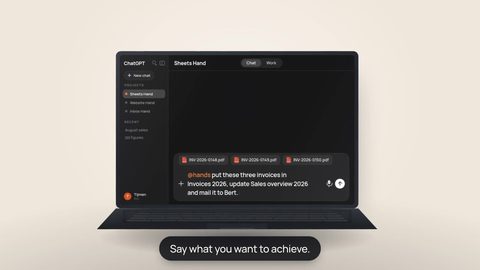
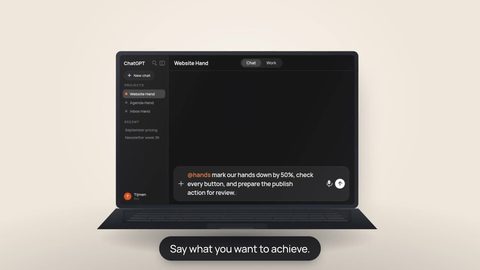
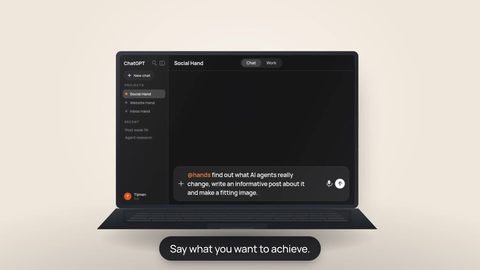


You ask AI to write something. The first draft is reasonable, but the tone is wrong. So you explain the audience, the structure you prefer, words you dislike and what a good answer should contain. A week later, you type almost the same explanation again.
A skill remembers a reusable way of working. A Hand gives that work a persistent place to happen. One is the recipe; the other is the workbench.
The repeated-prompt problem
Long prompts are often not really one-off prompts. They are operating instructions in disguise. If you repeatedly tell AI how to summarize a meeting, review a landing page or structure a proposal, you have already discovered a workflow worth reusing.
Copying that workflow into every new conversation works, but it creates friction. It is easy to forget a step, use an old version or explain the same thing differently in ChatGPT, Claude and another assistant.
So what is an AI skill?
An AI skill is a reusable instruction bundle for a task or way of working. It can say when the approach is useful, which steps to follow, what a good result looks like and what to avoid. More advanced skills can also include reference material, templates or helper scripts.
In skill systems that use the Agent Skills pattern, the main instructions are commonly stored in a file called SKILL.md. That filename is the technical packaging. The useful part for most people is much simpler: you describe your working method clearly enough that an AI assistant can reuse it.
You explain what you want in the current conversation.
You capture a method that should survive beyond one request.
What does a Hand add?
A reusable instruction becomes much more useful when the work itself also has continuity. That is the part Hands adds.
Each Hand has its own protected Linux workspace. Files on that workspace persist between sessions, and you can connect the Hand to the apps and tools it needs. The same Hand can be connected to different AI clients that support remote MCP, so the workspace does not have to be rebuilt just because you change the assistant you are talking to.
The skill is how you want the work done. The Hand is where the work, files and tools live.
The Hands runtime also has a real skill registry. When a skill is available on the Hand, a connected AI assistant can ask the Hand to load those instructions instead of guessing them from memory. That means a skill can belong to the working environment rather than only to one conversation.
 Work in the HandThe assistant can use the persistent workspace, files and connected tools.
A practical example
Imagine you regularly turn customer conversations into internal summaries. You always want the same structure: the main conclusion first, then agreements, then open questions and finally the next action.
Without a reusable workflow, you keep explaining that format. With a skill, that method can be written down once. The Hand can then add the working context around it: the source file, the project folder and the connected tools that the task actually needs.
“Turn this customer conversation into our standard meeting summary and save the result with the project.”
The important improvement is not that AI suddenly becomes perfect. It is that you move effort from repeating instructions to improving the instructions. When the result is not right, you can ask which part of the method should change.
What a skill is not
A skill does not automatically give an assistant access to your calendar, files or business systems. Access comes from the workspace and connections you deliberately provide. The skill explains how to work with what is available.
A skill also does not make incorrect information correct. Important results still need review, and a skill from somebody else deserves the same scrutiny as any other automation instructions — especially if it includes executable scripts.
Hands can load skills for connected assistants and currently includes a reviewed set managed by Hands. There is not yet a public dashboard that automatically installs your own SKILL.md files and keeps them synchronized across all AI providers.
That distinction matters. The value we can promise today is the persistent Hand: one protected workspace, persistent files and connected tools that compatible AI clients can reach. Skills add a reusable layer of working instructions on top of that environment where they are available.
A skill helps AI remember how you work. A Hand helps that work keep its place. Put the two ideas together and you spend less time rebuilding context and more time improving the actual workflow.
Start with one task you keep explaining.
Pick a recurring task, write down the steps and the result you expect, and notice which files and tools the work needs. That is the beginning of a reusable skill — and a much better reason for giving AI a persistent workspace.