
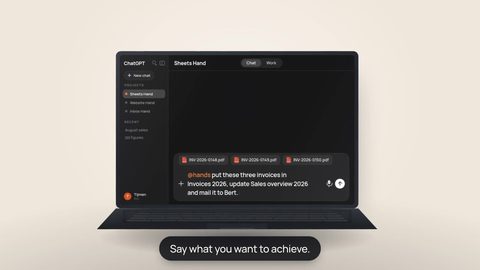
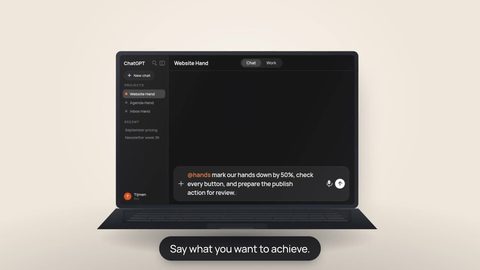
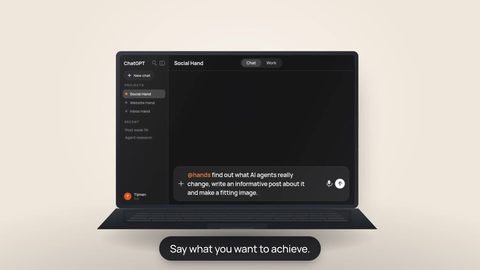



In digital projects, the complexity is often not one difficult configuration step but the repetition: create an account, find a credential, decide where to store it, wire it into a project, document it and remember how everything should be transferred later. Hands moves an important part of those connections out of the project layer.
The goal is to stop treating credentials as loose project files. GitHub, Firecrawl, Cloudflare, Supabase and many other services still need to know who is calling them. A cleaner setup keeps that authority separate from the source code.
Why project setup used to sprawl
If a site needs GitHub, Cloudflare, web research and a database, it can quickly accumulate several provider accounts and unrelated authentication methods. Without a clear boundary, the local project then collects .env files, shell variables, setup notes and secrets that mainly make sense on the machine where everything was first configured.
That is especially awkward in client work. The long-term owner should be able to keep the domain, source, infrastructure and provider accounts without becoming dependent on the builder's laptop or personal development environment.
One rule does not change: secrets never go to GitHub
GitHub is for source and change history, not for API keys, tokens and passwords. A local .env file that contains secrets should never be committed; use .gitignore and a proper secret boundary instead.
 GitHubCode and non-secret configuration
Hands keeps that distinction useful: the Hand can work from its own isolated workspace while the credential used for a remote MCP connection stays out of the repository.
Two ways Apps connect
Hands distinguishes two connection routes. A Plug-in is a Hands-managed connection with a prepared provider sign-in flow, usually OAuth, when that Plug-in is available. A Connector uses MCP: you can choose a server from the curated catalog or add your own public HTTPS remote MCP server. Depending on the server, a Connector can need no credential, a bearer token, an API-key header or custom secret headers.
So the honest story is not “API keys disappear.” With a Plug-in, you may not need to move a key yourself because authorization happens with the provider. With many MCP Connectors, a credential still exists. Hands lets that connection authority stay separate from source code and project files.
- GitHub: the MCP connection uses a Personal Access Token as a bearer token.
- Firecrawl: the MCP connection uses a Firecrawl API key.
- Cloudflare: the MCP connection uses a scoped Cloudflare API token.
- Supabase: the MCP connection uses a scoped personal access token rather than a project anon or service-role key.
“Read the current site in GitHub, use Firecrawl to inspect the public pages we are replacing, and propose the smallest migration plan before changing anything.”
The provider still decides what access exists
With a Plug-in, you approve access to your account when you sign in with the service. With an MCP Connector, the tools can use the permissions of the account, token, API key or headers you connect. Hands can only limit those permissions where the MCP connection supports it.
Give the connection only the access it needs: choose a suitably limited account or key, connect only the services needed for the task, and check the permissions before you start.
Available tools can differ by MCP server, version and the account or key you connect. Check the tools shown for your connection instead of assuming every account can do the same things.
Your laptop no longer has to be the workplace everything depends on
Every Hand has its own isolated Linux workspace. Your own computer therefore does not have to remain the machine where all project files, terminals and long-running work live. Work can start from one computer and continue from another supported interface without treating one laptop as the permanent execution environment.
Why this matters even more for client work
In client work, the durable assets can stay with the client: their domain, GitHub, Cloudflare, accounts and data. Provider credentials can be rotated or replaced without rewriting the source, and the project does not need to remain dependent on secrets stored in a builder's personal development environment.
The bigger shift is not that credentials disappear. Hands lets code, credentials, provider ownership and the Hand's workspace each have a clearer place.
Choose the App route the work actually needs.
Use a Plug-in when Hands offers a prepared provider sign-in route. Use an MCP Connector when the service is available through MCP, including a compatible public server you add yourself. The connection method does not change the rule that provider access should match the work.